Background
Hi, I'm a web engineer teaching IT in Cambodia.
Recently, I received a request to print out the materials from a course I taught and place them in the library.
I wanted to prepare the lecture slides for printing, convert them to PDFs, and combine all the files into a single PDF. However, I had trouble merging these PDFs.
But using PDFtk made it incredibly easy, so I'd like to share it with you.
Here's what I tried to merge PDFs for free on Windows:
Use the standard printing function in Windows 11.
The first thing I tried was using the standard printing function in Windows 11.
While it successfully combined image files into a PDF, combining PDFs proved to be a rather disastrous attempt.
I selected multiple PDF files in File Explorer, right-clicked, and selected "See more options" > "Print".
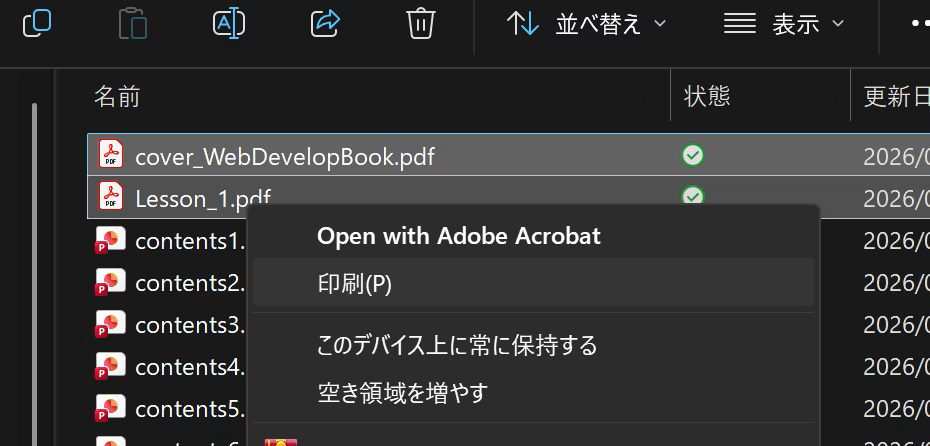
A save dialog will appear; select PDF and save. It seems that print settings cannot be changed.
It takes a little time, but if you wait, the PDF will be output.
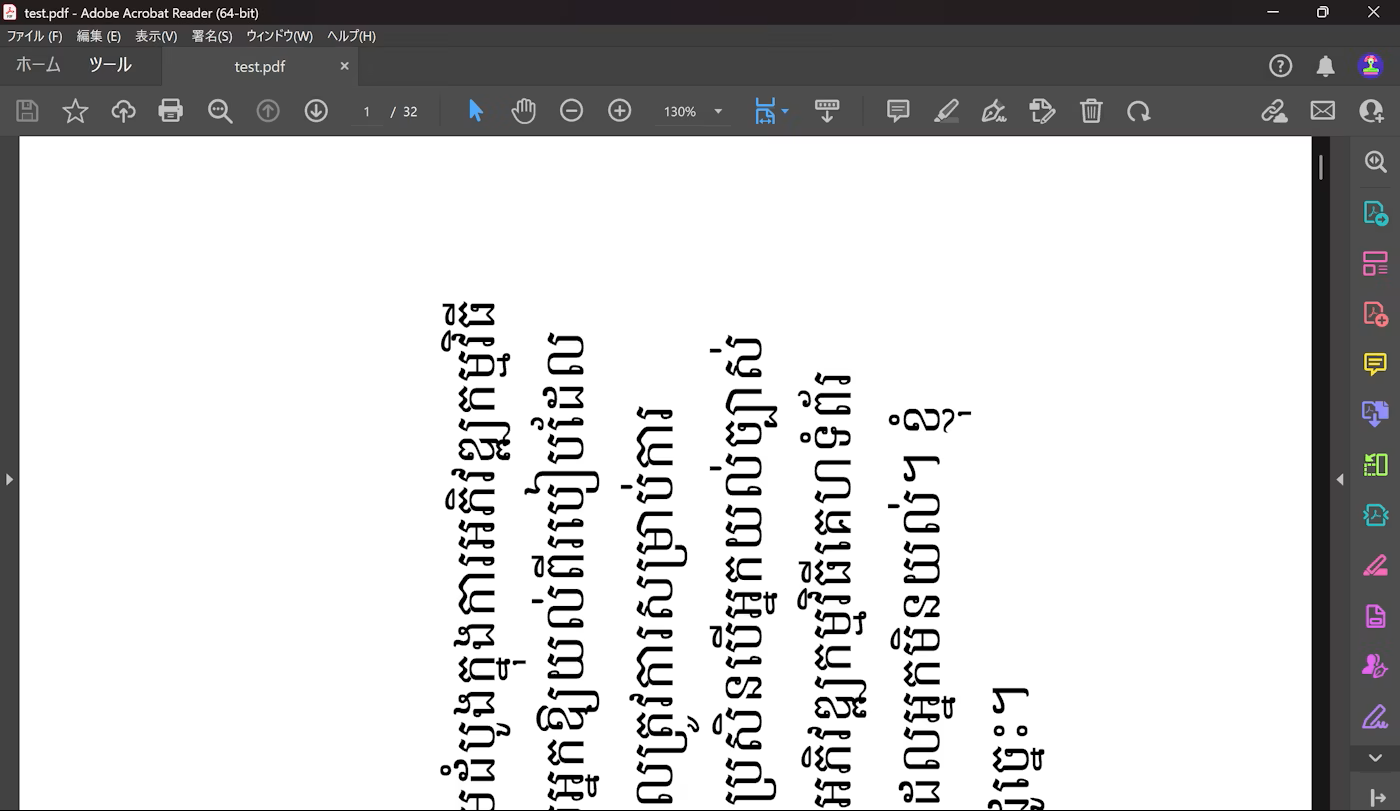
When I opened it, it looked like this; the pages weren't merged properly, and the orientation was reversed.
Use Adobe's free online services
Next, I tried using Adobe's free online service.
https://www.adobe.com/jp/acrobat/online/merge-pdf.html
While it successfully merged the files, my internet connection was poor, making the process extremely time-consuming.
I had a feeling that merging 10 PDF files with a considerable number of pages would take a very long time.
Therefore, after searching around, I decided to try PDFtk.
Procedure
General Flow
Here's how to merge PDFs using PDFtk:
- Download PDFtk
- Install PDFtk
- Enter the merge command in the command prompt
Download and install PDFtk
PDFtk can be downloaded from here:
https://www.pdflabs.com/tools/pdftk-the-pdf-toolkit/
Download either PDFtk Free or PDFtk Server.
Once downloaded, run the .exe file to install it.
Merge PDFs using commands
Once the installation is complete, open a command prompt and run the command to merge the PDFs.
:: Check if pdftk was installed correctly
pdftk --version
:: If the version description is displayed, it's OK

:: Combine the three PDFs into test.pdf
pdftk cover_WebDevelopBook.pdf Lesson_1.pdf Lesson_2.pdf cat output test.pdf
:: Merging will be completed in an instant