Before you begin
💡 To ensure you have a basic understanding of Docker or Kubernetes, here are some Docker fundamentals.
🐳📦 Basic Docker
🌐 In Simple Terms
Without Portainer:
👉 You run CLI commands like docker ps, docker logs, and docker exec.

With Portainer
👉 You do all of that from a nice dashboard in your browser.
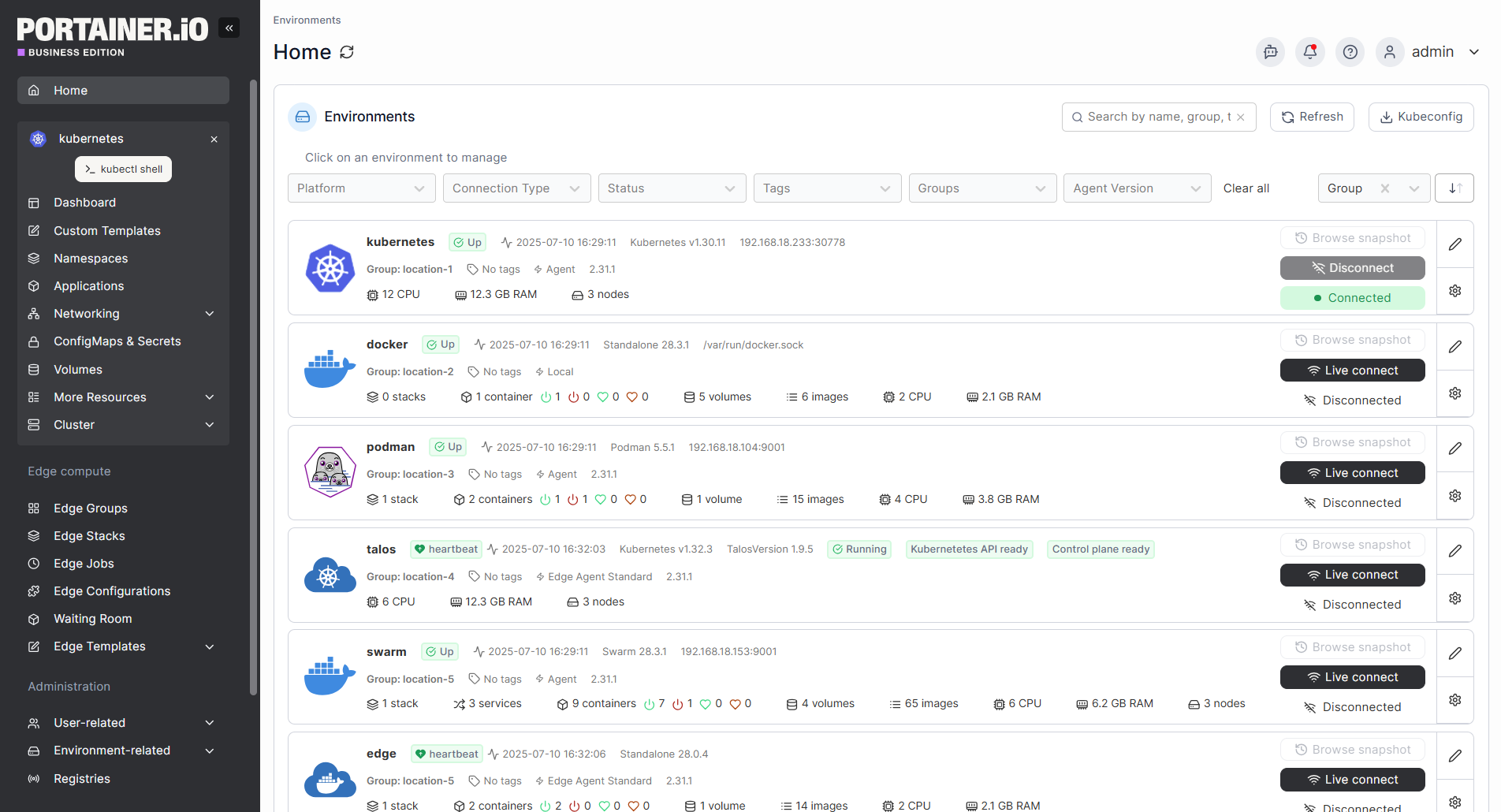
🧱 What is Portainer?

Portainer is a lightweight container management tool that provides a web-based UI to easily manage:
- 🐳 Docker
- ☸️ Docker Swarm
- ☸️ Kubernetes
📊 Why Use Portainer?
- 🚀 Easy management: No need to memorize Docker/Kubernetes CLI commands.
- 👁️ Visual insights: See resource usage, logs, and health instantly.
- 🧩 Quick deployments: Deploy from templates or Compose stacks fast.
- 🔐 User control: Secure multi-user access with roles.
- 💻 Works everywhere: Supports local, remote, Swarm, and K8s environments.
👨💻 Who Should Use Portainer?
- 🧑🎓 Beginners — who want to learn Docker visually without memorizing commands.
- 🧑💻 Developers — who deploy apps frequently and want quick container control.
- 🧑🔧 SysAdmins / DevOps — who manage clusters or remote nodes.
⚡ In Conclusion

Portainer provides a simple and intuitive web-based interface for managing Docker containers, Swarm services, and other resources. The Portainer platform offers a number of free features and paid plugins that can enhance Docker cluster management. I hope you enjoy this article.
Cheer 🥂👏🍾
🔗 Official Links
👇 Last but not least
🧠 Think of it as a “control panel for containers” — like how phpMyAdmin is for databases, Portainer is for Docker and Kubernetes.